 Capable Koala


Instantly embed Word, Excel, and PowerPoint documents from Microsoft 365 Office, OneDrive & SharePoint, right into your monday.com workspace!

🛠 Why It’s a Game-Changer: Make quick work of integrating documents next to a Dashboard/Board, or within an Item.
🌟 Example use cases:
- 1️⃣ Unified Customer View: Display customer-specific presentations right next to all their crucial data.
- 2️⃣ Meeting Insights: Access meeting notes directly on a board.
- 3️⃣ Data Powerhouse: Showcase complex Excel data analyses directly in a dashboard.
- 4️⃣ Team Sync: View Outlook calendars within the app for seamless scheduling.
🔗 Get Started in Seconds: All you need is a shareable link from Microsoft 365, whether it’s internal or from a third party, and you’re good to go!
🤔 Intrigued? 👉 Book a demo now: Capable Koala Demo
Board views
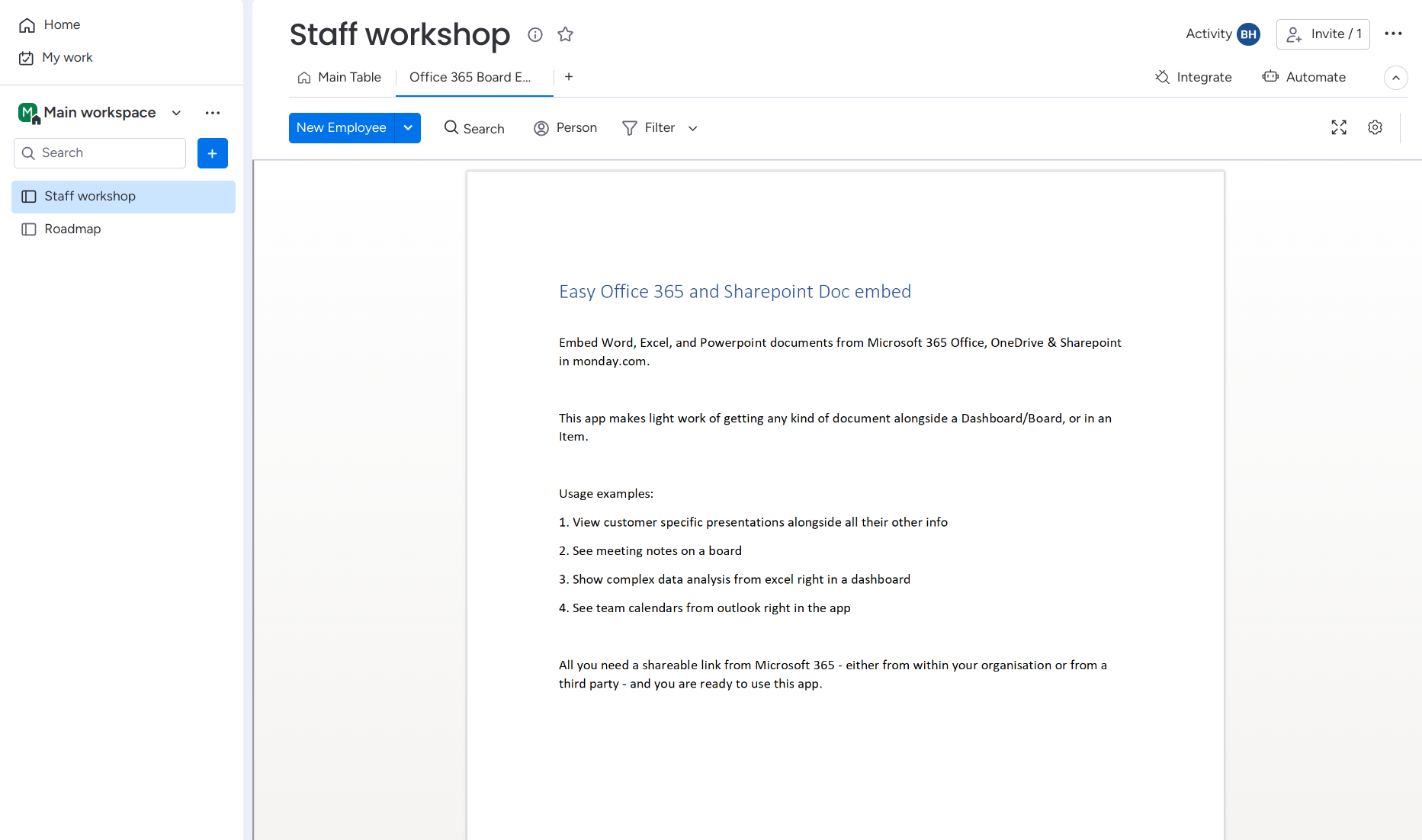
A document or calendar can be shown as a tab on your board views. Simply set the link to the document you want to show and it will automatically be shown.
Item views
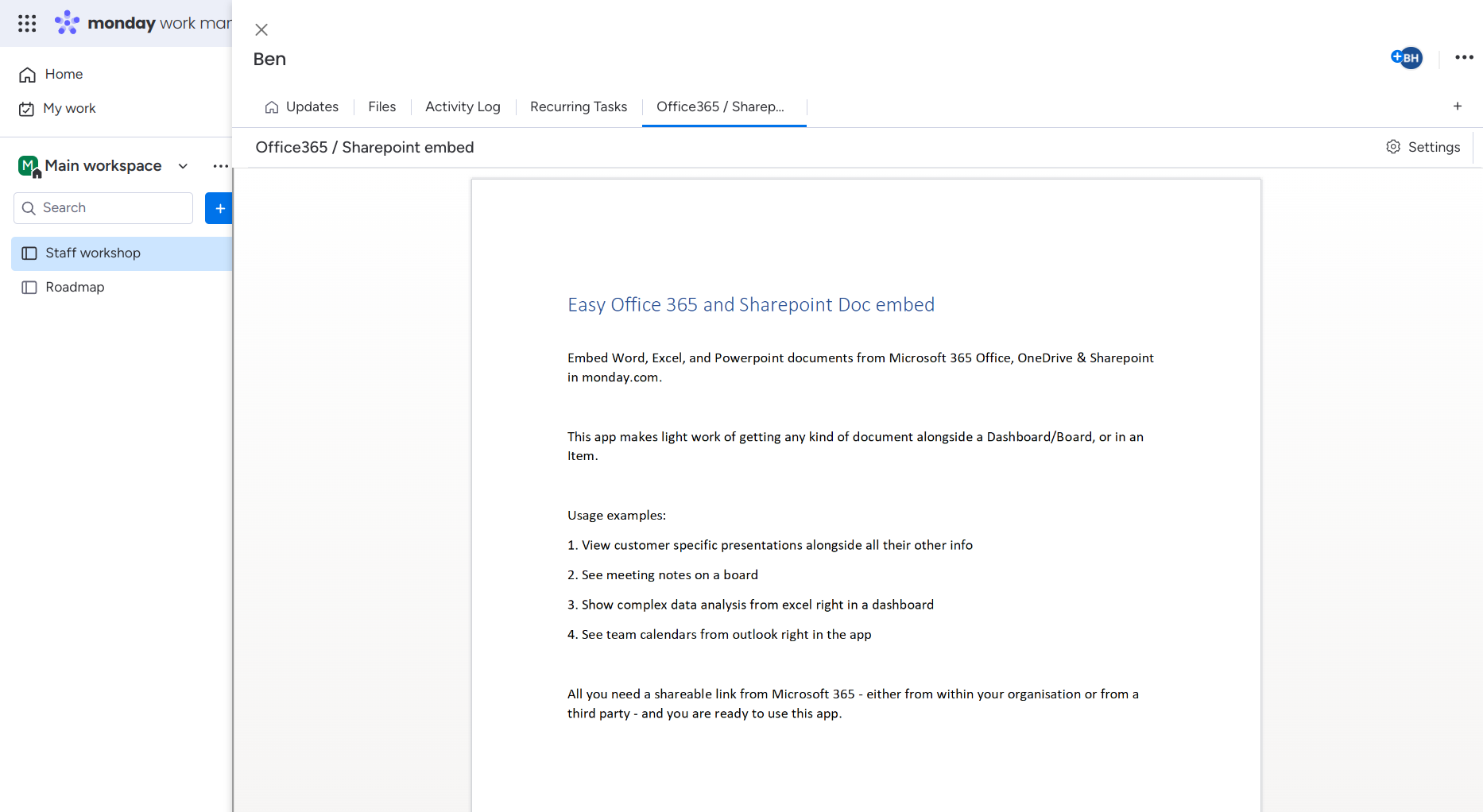
A link to a document can be added to any item in order to easily view it’s contents from the item view without leaving your monday.com account.
Dashboards
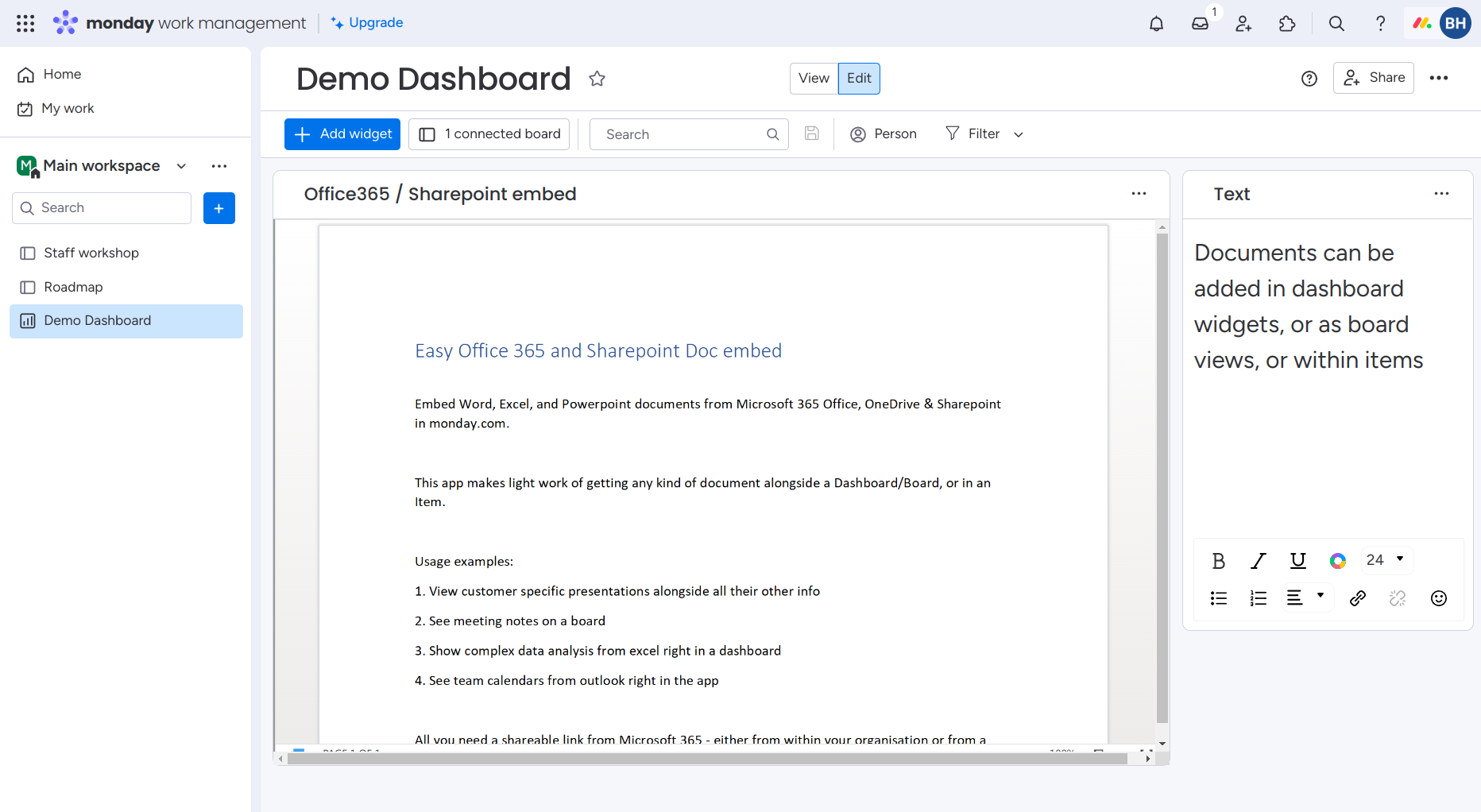
A document or calendar can be shown as a widget on your dashboards. Simply set the link to the document you want to show and it will automatically be shown.
Documentation
For this app to be useful, you’ll need a Microsoft 365 account for your team which you want to embed documents from.
Installation
Simply install from the monday.com marketplace with the following button:
Dashboards and Board views
- Browse to the board/dashboard where you’d like to insert a document or calendar
- Select “Add View” and pick the “Office 365 Embed” view.
- Copy the share link from Office 365
- Add the link to the document to the view settings and it will be shown right away
Item views
- Open the board containing the items you want to embed views from.
- If this board does not have a column which will contain the links to you office docs, add a text or link column which will contain the links. You can skip this step if you already have a column set up.
- Open up an item in the board you want to view office docs in
- Select “Add View”
- Browse the the “Easy Office 365 and Sharepoint Doc embed” app
- The view settings will show, select the column name from step 2
- Whenever the appropriate column of the board contains the link you will now be able to view it from the item view!
Creating links suitable for embedding
From within the document you want to embed in monday:
- Select Share.
- Select Link settings and ensure “anyone with link can view” is selected
- Select Copy Link and paste in to your item column or board/widget settings depending on which view you are using
See also: the “Create a shareable link” section of the Microsoft documentation on sharing documents.